
File Information
Inspect duration, size, tracks, languages, and useful details without changing the file.
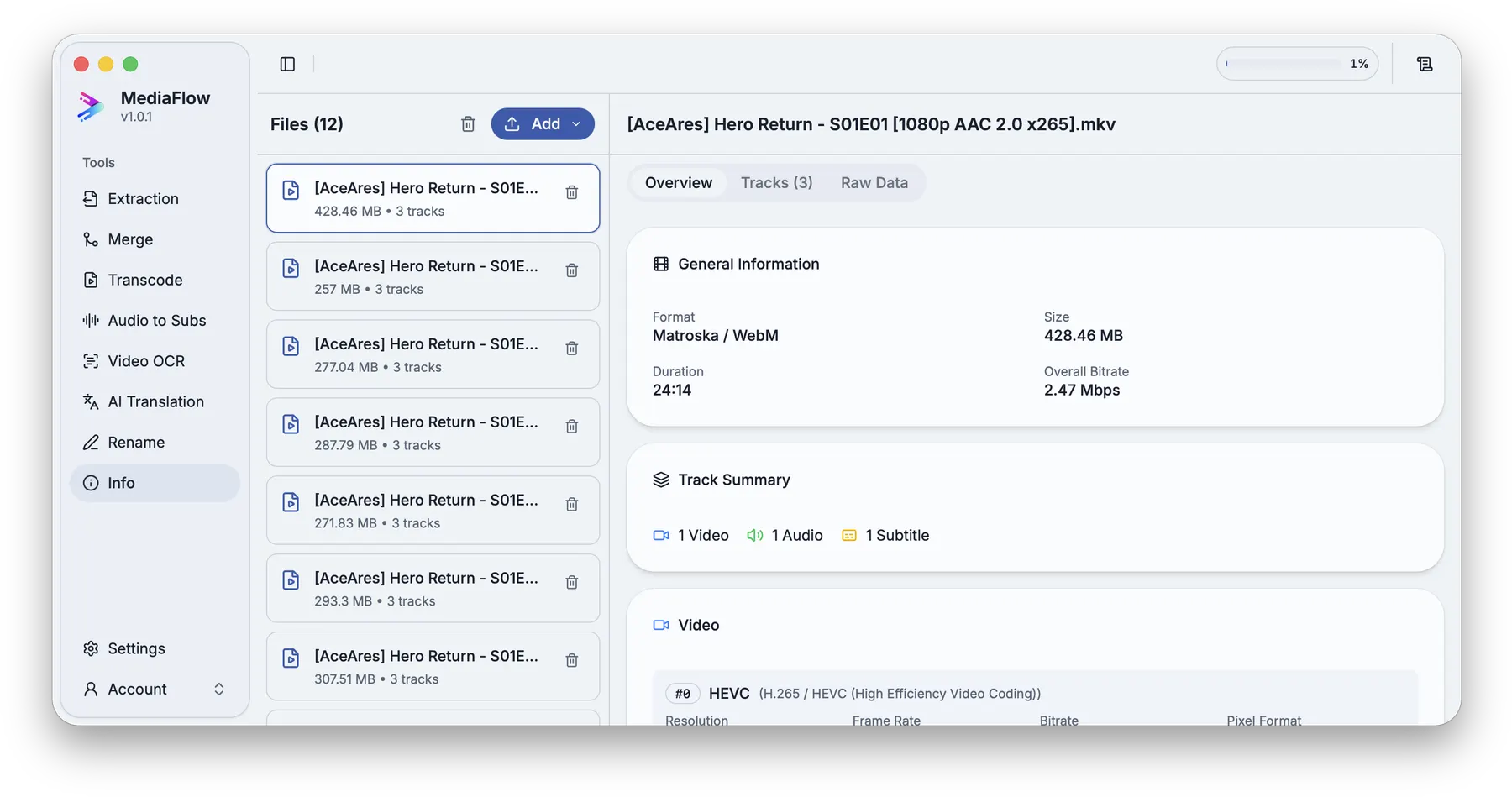
Overview
File Information opens media files in a read-only view so you can check duration, size, tracks, language labels, and other useful details.
Works with other tools
Some outputs can be opened again in another MediaFlow workspace.
Demo video
Watch a short product demo for this tool before following the detailed steps.
Formats
Use this section to confirm what you can bring in and what you can save.
Import common media files you want to inspect.
This tool does not change media files. You can copy the displayed details when you need to share them.
How to use
Follow the annotated captures to find the right controls inside the desktop app.
Import supported media files from disk or from compatible MediaFlow source lists.
Open the import menu when you want to inspect files already produced by another MediaFlow tool.
Check file size, duration, and track counts.
Open the track view to check languages, titles, labels, dimensions, and audio details.
Copy the displayed details when you need to share them or keep them with your project.
Screenshots
Use these annotated captures to recognize the workspace and key areas of the tool.