
Track Extraction
Pull audio, subtitle, or video tracks out of media files and save them separately.
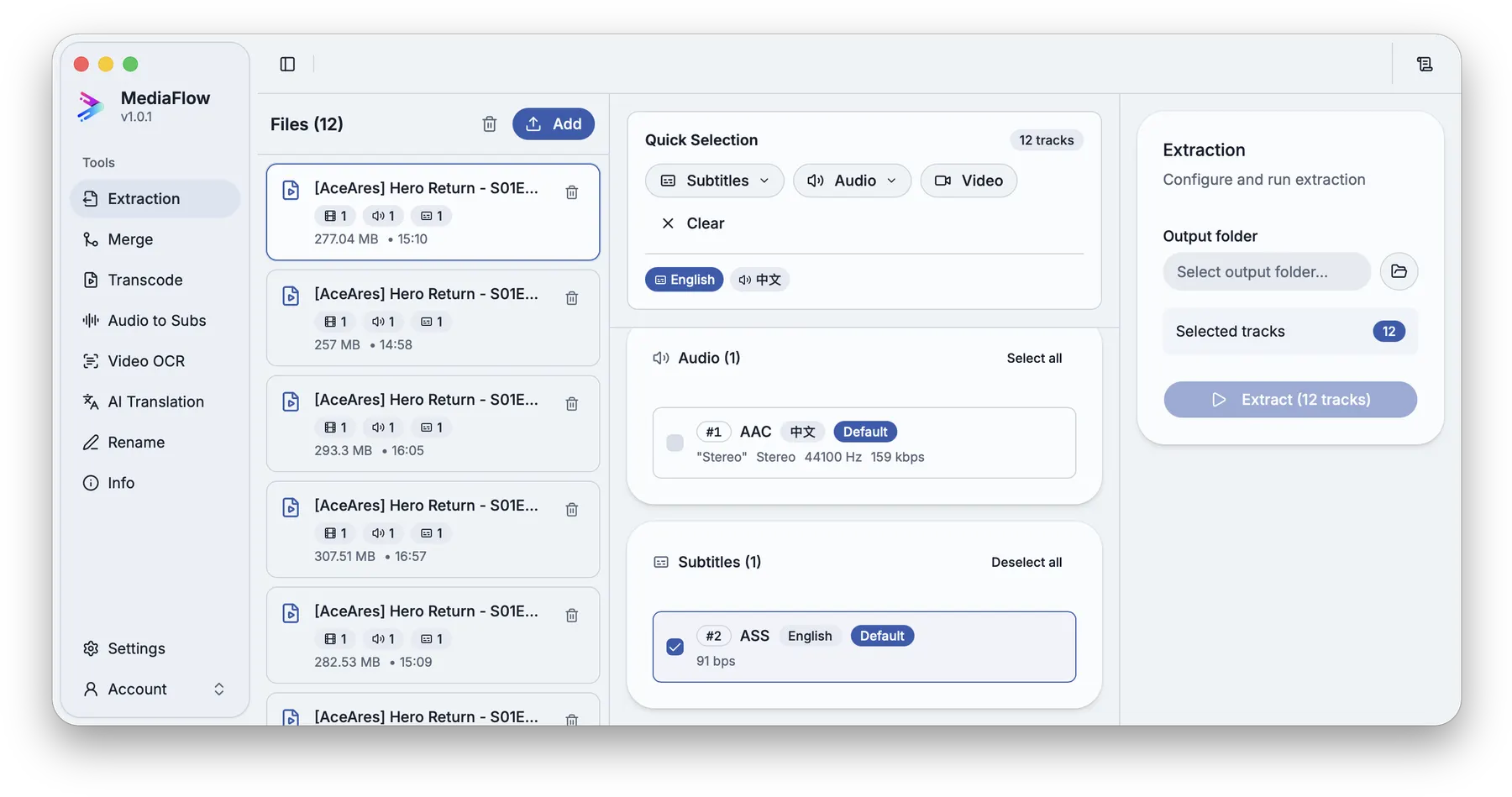
Overview
Track Extraction shows the tracks inside each selected media file, then lets you choose exactly which audio, subtitle, or video tracks should become separate files.
Works with other tools
Some outputs can be opened again in another MediaFlow workspace.
Demo video
Watch a short product demo for this tool before following the detailed steps.
Formats
Use this section to confirm what you can bring in and what you can save.
Import common video and audio files that contain tracks you want to save separately.
Saved files use the closest file type for the selected track.
How to use
Follow the annotated captures to find the right controls inside the desktop app.
Drop supported media files into the workspace or browse from the import control.
Review tracks by file, select individual tracks, or use quick selection for a full batch.
Pick the folder where the saved track files should be written.
Start the run, monitor progress, then open the saved tracks in another MediaFlow tool if needed.
Screenshots
Use these annotated captures to recognize the workspace and key areas of the tool.