
Use case
OCR burned-in subtitles from video
Recover subtitles that are burned into the picture by selecting the subtitle area, running OCR, reviewing text, and exporting subtitles.
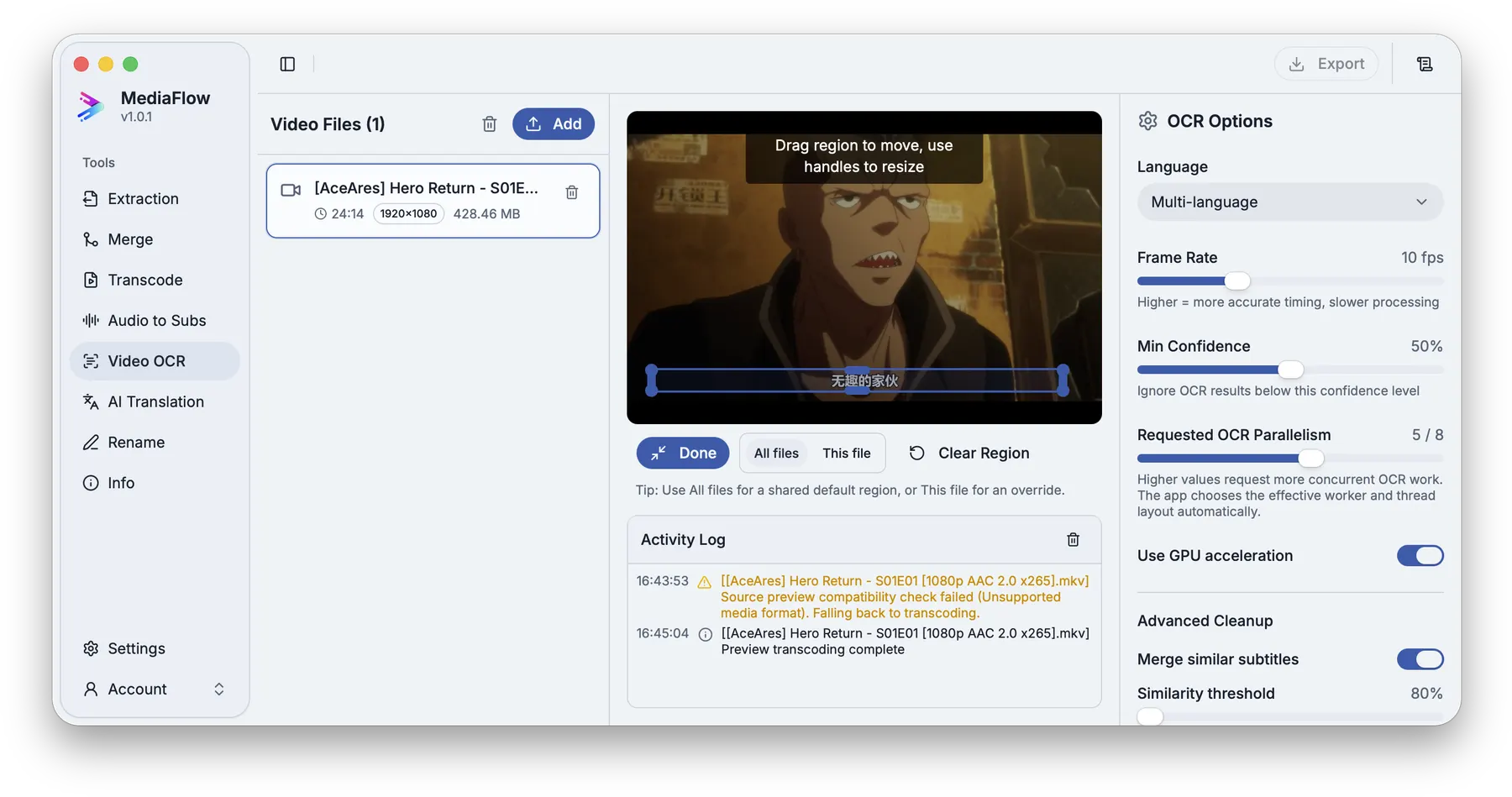
When subtitles are part of the video frame, you need OCR plus review before the text is useful as an editable subtitle file.
Select the text area, run OCR, inspect the detected text, keep versions, and export subtitles that can continue into translation or renaming.
MediaFlow strengths
Built for the full batch workflow
Focused OCR region
Select the part of the picture where subtitle text appears for cleaner OCR results.
Review before export
Check matches, settings, filenames, tracks, subtitles, and outputs before MediaFlow writes final files.
Tools work together
Extraction, merge, transcode, OCR, translation, rename, and file info stay connected inside MediaFlow.
AI cleanup support
Use AI assistance for repetitive cleanup while keeping review and export under your control.
Workflow
How it works in MediaFlow
Add the video
Import the video with visible subtitle text.
Select the subtitle area
Mark the region where subtitles appear for cleaner recognition.
Run OCR
Let MediaFlow read the text from frames and build subtitle output.
Review and export
Review the extracted text, then export subtitles for editing, translation, or archive.
FAQ
Questions users ask
Video OCR is designed to read subtitle text that is visible in the picture.
Yes. OCR can be imperfect, so MediaFlow keeps the result reviewable before export.
Yes. Exported subtitles can continue into MediaFlow Translation when the format fits.