
Workflow alternative
HandBrake alternative for complete video workflows
Go beyond encoding with file inspection, subtitle handling, OCR, renaming, AI-assisted transcode settings, and reviewable exports.
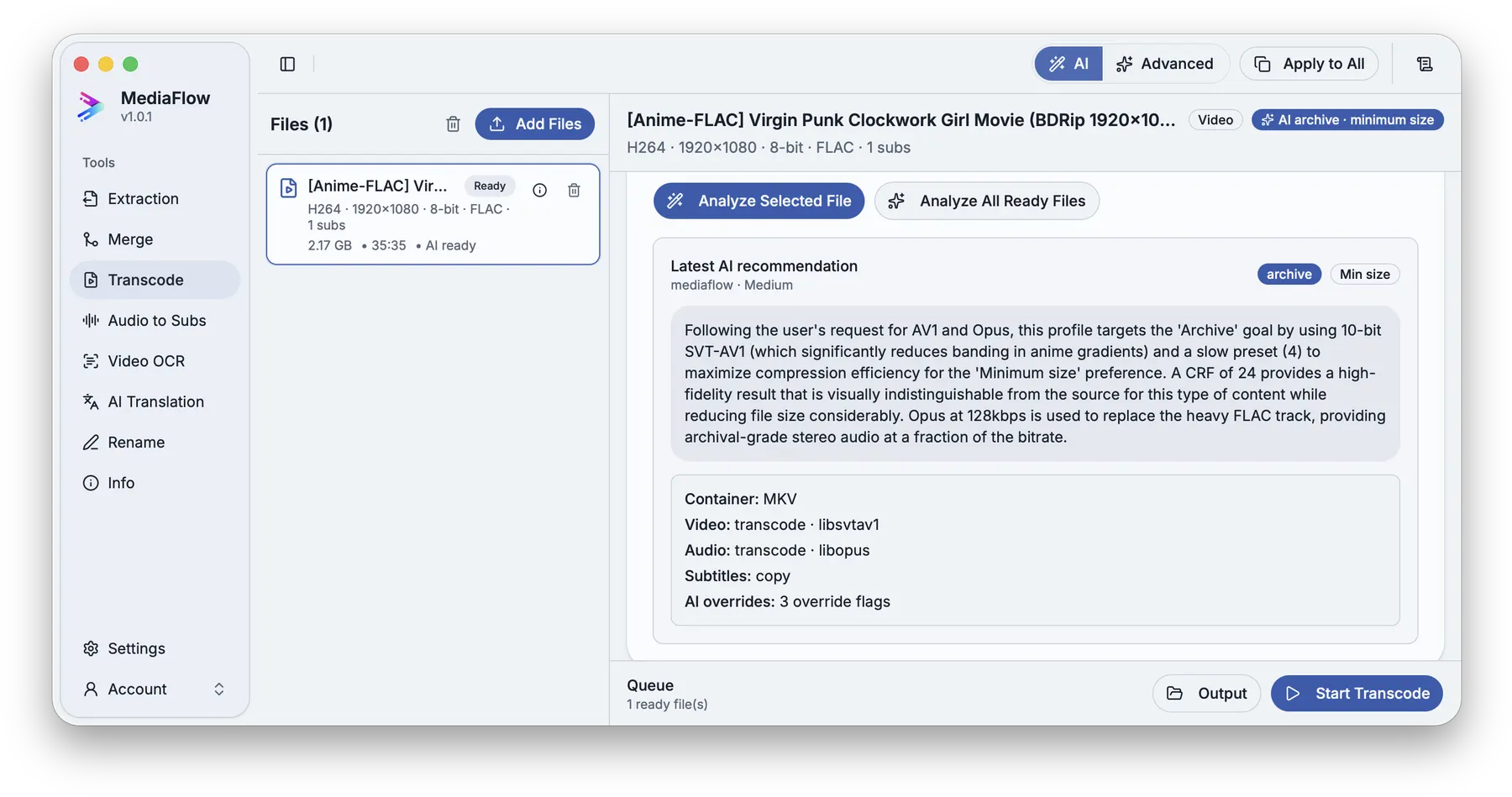
Many video jobs also need track inspection, subtitle extraction, OCR, translation, renaming, and output checks.
Inspect files, decide what to keep, transcode with AI-assisted settings, then continue into rename, OCR, subtitles, or file information without leaving the app.
MediaFlow strengths
Built for the full batch workflow
File inspection before decisions
Check codecs, tracks, languages, duration, and metadata before choosing the next step.
AI-assisted transcode settings
Ask MediaFlow for settings based on your source media, goal, size preference, and available encoders.
Tools work together
Extraction, merge, transcode, OCR, translation, rename, and file info stay connected inside MediaFlow.
Review before export
Check matches, settings, filenames, tracks, subtitles, and outputs before MediaFlow writes final files.
Workflow
How it works in MediaFlow
Inspect the source
Check codecs, tracks, languages, duration, and metadata first.
Choose transcode settings
Use presets or AI Assist to pick practical output settings.
Continue into other tools
Move into OCR, subtitles, rename, or file info when the job continues.
Review the final output
Confirm names, destination, tracks, and settings before export.
FAQ
Questions users ask
When the task also includes subtitles, OCR, track review, naming, or multiple follow-up steps.
Yes. MediaFlow includes extraction, merge, OCR, audio-to-subtitles, and translation tools.
Yes. AI can recommend settings, but you review and apply changes before export.