
Transcode
Prepare videos or audio for sharing, editing, archiving, or smaller file sizes.
Overview
Transcode prepares video or audio files for a specific goal, such as easier playback, smaller size, sharing, editing, or archiving.
Works with other tools
Some outputs can be opened again in another MediaFlow workspace.
Formats
Use this section to confirm what you can bring in and what you can save.
Import common video and audio files you want to prepare for another use.
Save a new media file in the format that fits your selected goal.
How to use
Follow the annotated captures to find the right controls inside the desktop app.
Import the videos or audio files you want to prepare.
Pick a guided suggestion or adjust the output choices yourself.
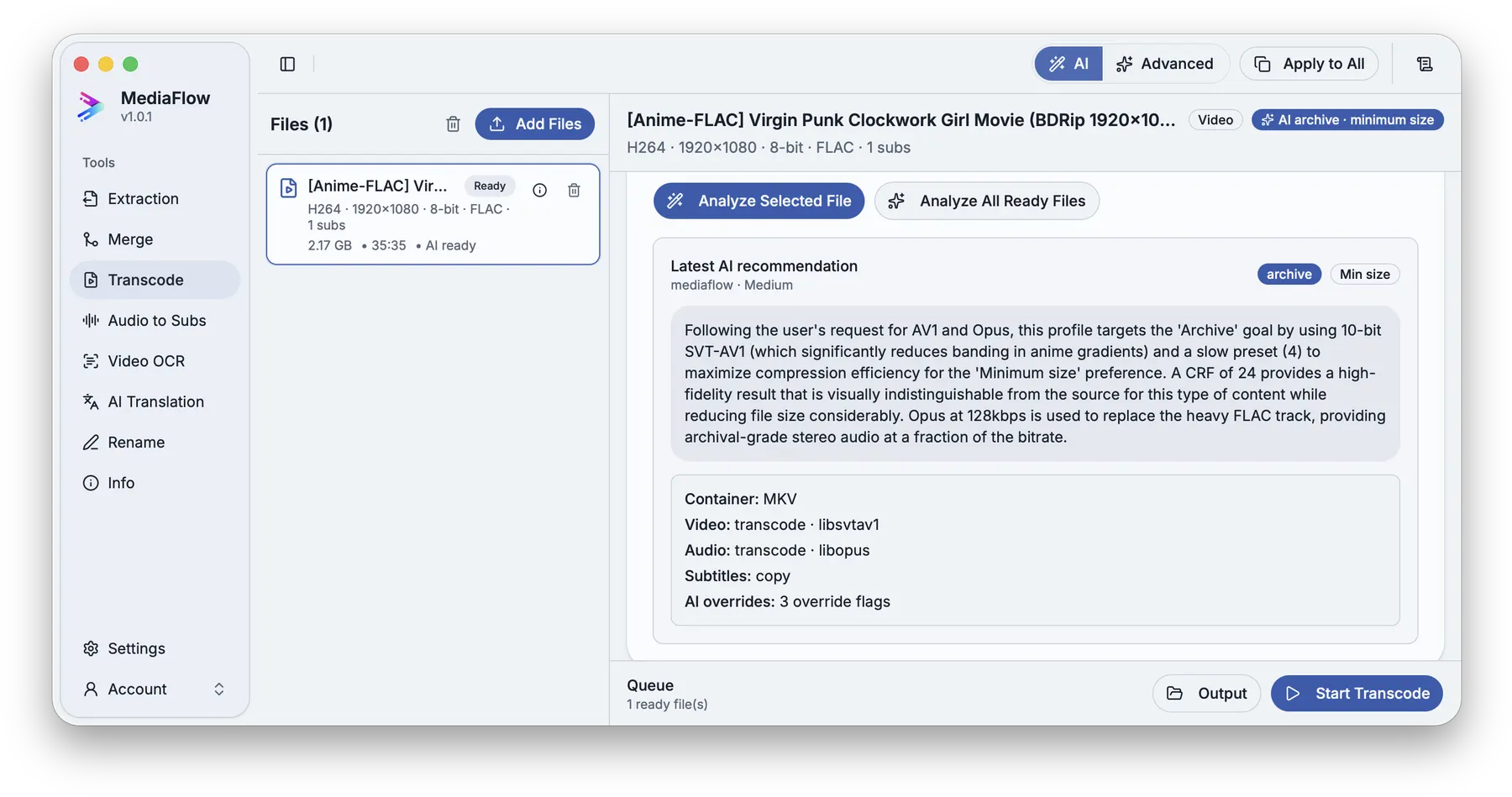
Ask for a recommendation when you want the settings picked from your goal and source media.
Review the suggested codecs, container, and quality settings before applying them.
Check destination, naming, video, audio, and subtitle choices before saving the new file.
Resolve name conflicts if needed, then start the transcode batch.
Screenshots
Use these annotated captures to recognize the workspace and key areas of the tool.